PCGamesWeb Home

Category

Hardware Guides

14 articles

Windows Updates Are Hijacking Your Game Nights — Here's How to Fight Back

Windows Updates Are Hijacking Your Game Nights — Here's How to Fight Back

There's nothing worse than getting deep into a raid or a ranked match only to have Windows decide right now is the perfect time to install a driver update. We break down exactly why this keeps happening, which updates you actually need to worry about, and how to take back control of your own machine without leaving yourself exposed.

Background Apps Are Eating Your FPS Alive — Here's Exactly Which Ones to Shut Down

Background Apps Are Eating Your FPS Alive — Here's Exactly Which Ones to Shut Down

Your game isn't the only thing running on your PC — and those invisible background processes are quietly siphoning off the performance you paid good money for. We benchmarked dozens of common Windows apps and services to find out which ones are actually hurting your frame rates, and which ones you can safely kill without nuking your system.

Your PC Is Quietly Throttling Itself — And Your Cable Mess Might Be Why

Your PC Is Quietly Throttling Itself — And Your Cable Mess Might Be Why

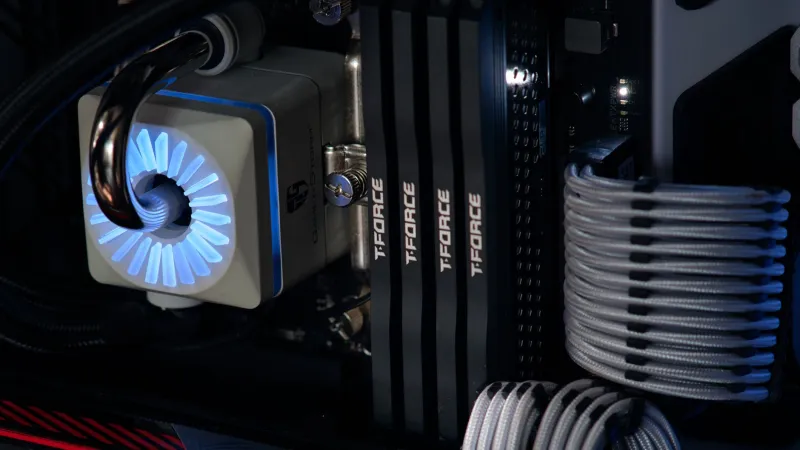
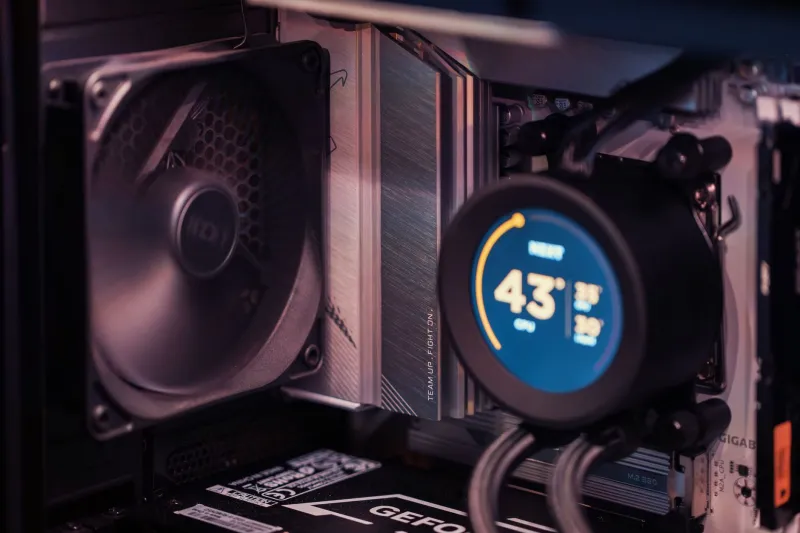
Thermal throttling is one of the most common — and most invisible — performance killers in gaming PCs, and poor airflow from bad cable routing is a major culprit most builders never think to check. This guide breaks down exactly what's happening inside your case when temps spike, why it tanks your frame rates, and how some simple cable management fixes can genuinely recover lost performance.

Free-to-Play Isn't Free for Your PC: The Performance Tax Nobody Talks About

Free-to-Play Isn't Free for Your PC: The Performance Tax Nobody Talks About

Free-to-play games promise zero upfront cost, but your gaming rig might be quietly footing a much bigger bill. From bloated background processes to aggressive CPU usage, F2P titles are quietly draining your system in ways most players never notice. Here's what's actually happening under the hood — and how to stop it.

Why Your Monitor's Refresh Rate Is Lying to You: The Real Story of Input Lag

Why Your Monitor's Refresh Rate Is Lying to You: The Real Story of Input Lag

You upgraded to a 144Hz monitor and things feel snappier — but competitive players are still outgunning you, and something about the experience feels slightly off. The culprit might not be your frame rate at all. Input lag is the performance metric most PC gamers ignore, and understanding it could completely change how you evaluate your setup.

Why Your Gaming Laptop Is Choking Under Pressure — And What You Can Actually Do About It

Why Your Gaming Laptop Is Choking Under Pressure — And What You Can Actually Do About It

If your gaming laptop starts strong but loses steam after 20 minutes of play, thermal throttling is probably the culprit — and it's more common than manufacturers want to admit. This guide breaks down exactly why laptop cooling systems fail under load, how much performance you're actually leaving on the table, and the practical steps you can take right now to fix it. From free software tweaks to external cooling gear, we've got you covered.